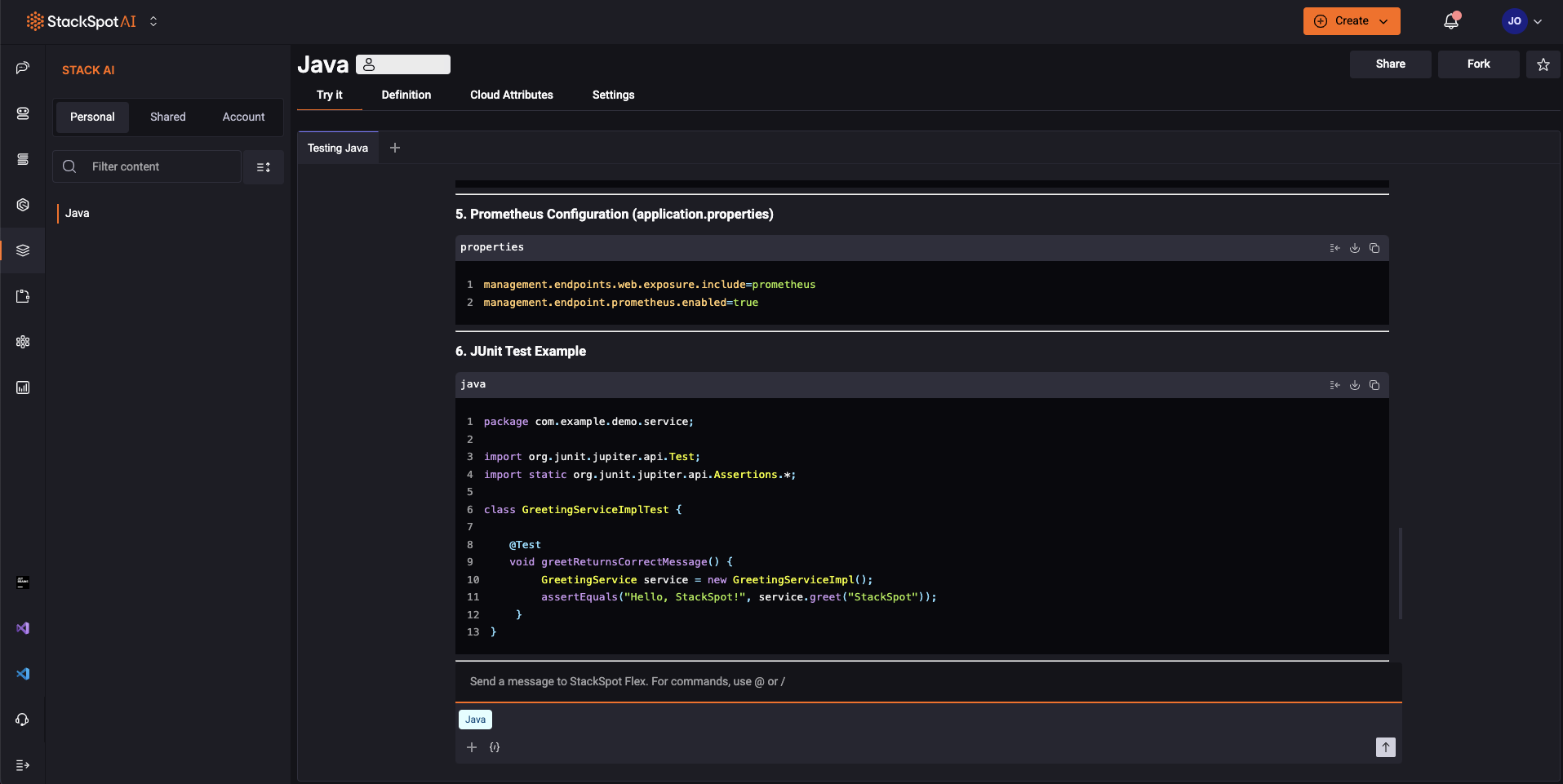
Try It Feature
'Try it' provides immediate, hands-on testing opportunities in a 'chat-like' interface, enabling you to validate and experience your configurations effectively. You can try it with Stacks AI and Spots.
Spots
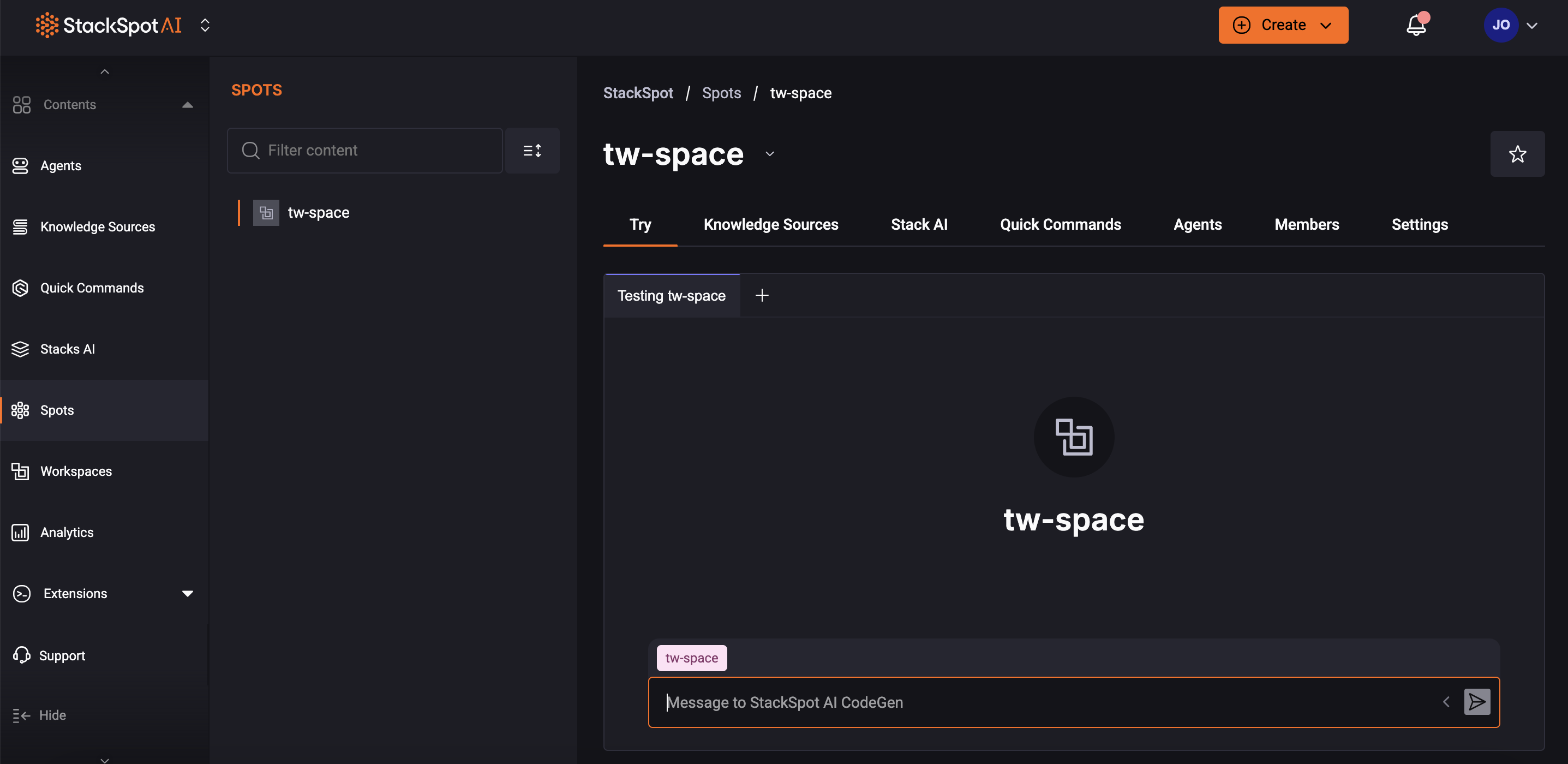
You can go ahead and test your Spot configurations beforehand in the StackSpot AI Portal. Follow the steps:
Step 1. Log in to the StackSpot AI Portal
Step 2. Click on ‘Content > Spots’ in the menu;
Step 3. Choose your Spot and you will see the ‘Try’ section;
Step 4. Enter your prompt to test it.
Stack AI
Test your Stack AI definitions in the Portal. Follow the steps:
Step 1. Log in to the StackSpot AI Portal
Step 2. On the menu, click ‘Content > Stacks AI’;
Step 3. Choose your Stack AI and click ‘Try’ on the first tab;
Step 4. Enter your prompt to test it.