Support
Do you need help?
See our support channels:
Option 1. Contact the StackSpot AI Support Team
- Reach out to our Support Team if you have questions, need help, or want to report an issue. Our team is ready to assist you.
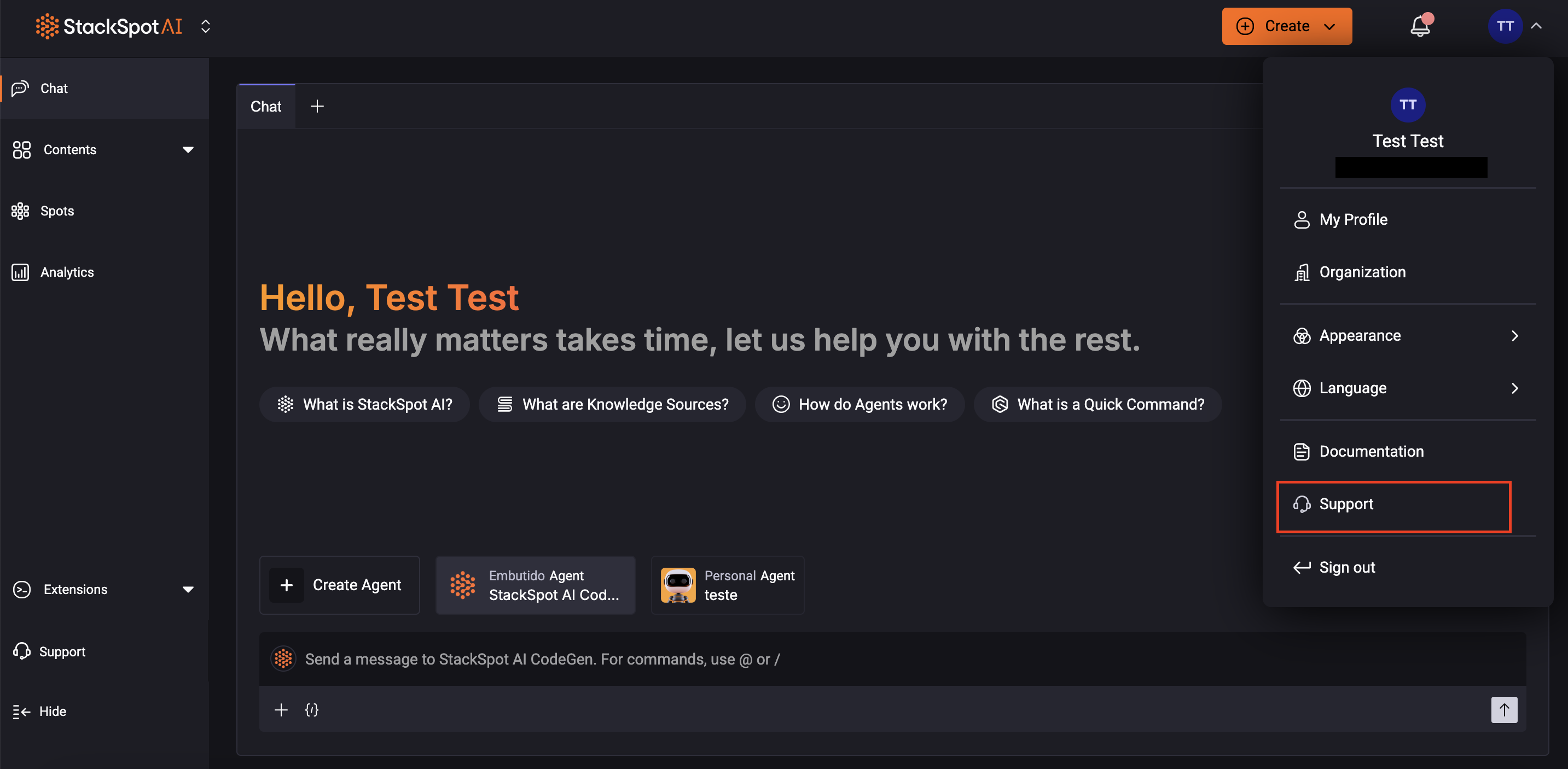
Option 2. From the user menu
Follow the instructions:
- Access the StackSpot AI Portal and log in.
- In the upper right corner of the page, click your user initials to expand the menu;
- Click the 'Support' option (headset icon).
- You will be redirected to the Support page. Fill in all required fields with as much detail as possible to help our team analyze your request.
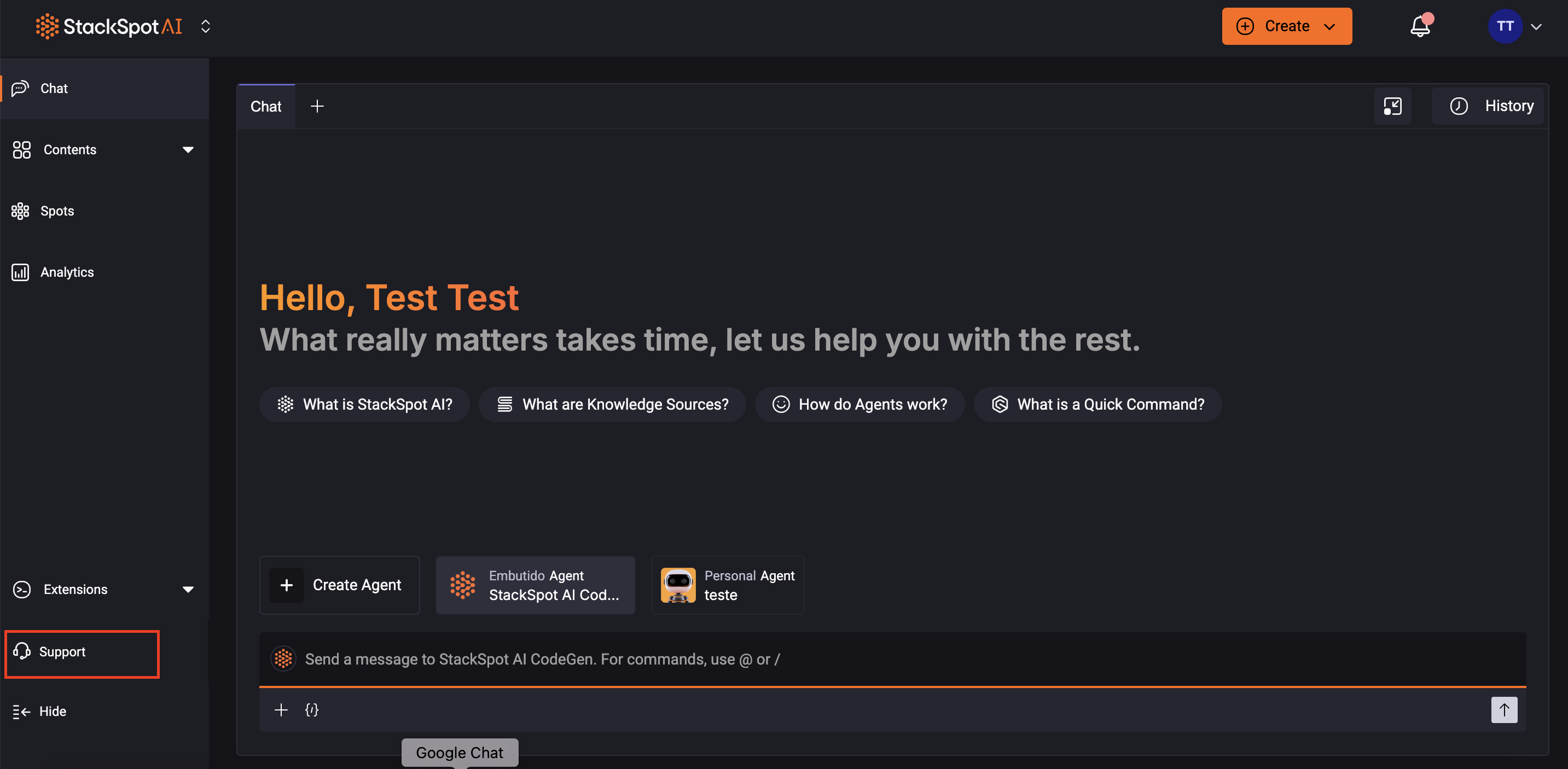
Option 3. From the sidebar
Follow the instructions:
- Access the StackSpot AI Portal and log in.
- Click on the 'Support' button (headset icon).
- You will be redirected to the Support page. Fill in all required fields with as much detail as possible to help our team analyze your request.
Option 4. Explore the StackSpot Blog
Discover more about StackSpot AI by visiting the StackSpot Blog.
You will find real-world use cases, user success stories, and in-depth articles on artificial intelligence and generative AI. You can explore these resources to make the most of StackSpot AI.